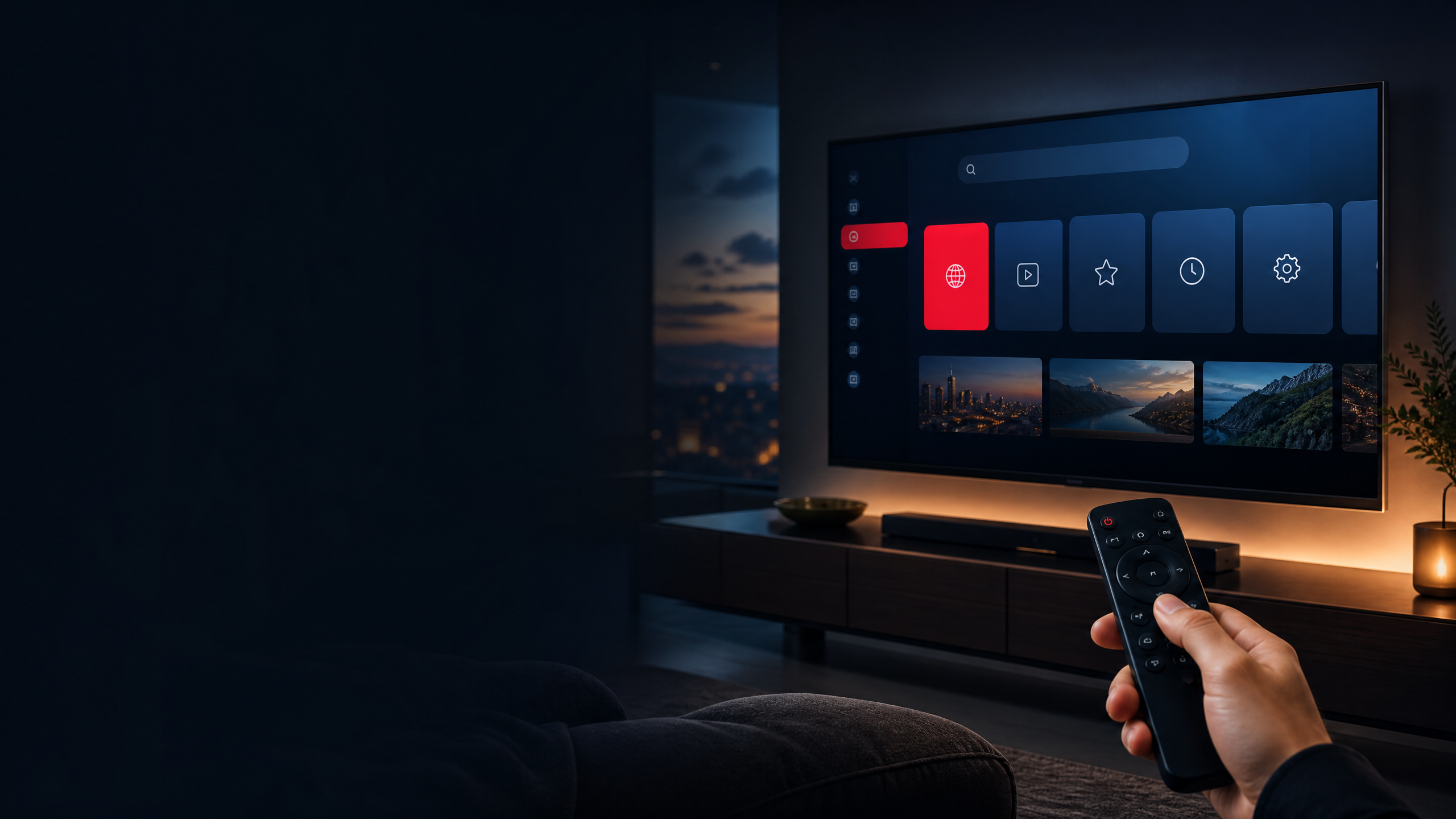
把任何网站变成电视体验
你的网站。
你的网站。
搬上大屏幕。
无需手机或电脑。web2tv 直接在您的电视上播放您最喜爱的网站 — 因为电视自带的默认浏览器不太擅长播放流媒体网站。用遥控器浏览、畅享全屏视频,并享受为大屏幕量身打造的精明修复。
✓ 无需应用商店
✓ 简单设置
✓ 遥控器优先控制
无需手机或电脑。web2tv 直接在您的电视上播放您最喜爱的网站 — 因为电视自带的默认浏览器不太擅长播放流媒体网站。用遥控器浏览、畅享全屏视频,并享受为大屏幕量身打造的精明修复。
简单、快速,专为客厅里那块屏幕而打造——而不是桌面上那只鼠标。
把你每天都用的网站、服务与内容搬到电视上。
专为 Android TV 和 Fire TV 设备打造,并随时间不断扩展更多支持。
下载、安装、开始浏览,只需简简单单几分钟。
稳定、以遥控为优先的体验,简单又可靠。
在已经连到你电视的 Android 设备上尽情使用 web2tv——无需应用商店迷宫,无需鼠标。
每有新的电视就绪脚本和应用更新,兼容性都会随之增长。
从免费试用开始,或挑选最适合你设备的方案。
输入任意网址,web2tv 会检查它是否为遥控与电视屏幕做好准备。
安装 APK、激活设备,几分钟内即可开始浏览。
选择适合你设备的方案,让你最爱的网站离沙发更近。
⚠ Pay once, install on your Android TV / Fire TV. 一次付款最多覆盖 5 台设备——在应用内逐一激活即可。
获取最新 APK 并直接安装到你的 Android TV 或 Fire TV——无需应用商店。
Full SHA-256: 8fe7d19ad3cb8be92116351ece21a6d9cc69c36fb43918bdf23090985cecd964
在下方选择你的设备。两者配合 下载er 应用都只需约 2 分钟。
使用免费的 下载er 应用侧载 APK。
https://web2tv.uphilltech.ca/web2tv-v1.19-tv.apk使用 下载er 应用侧载,或通过 ADB。
https://web2tv.uphilltech.ca/web2tv-v1.19-tv.apkadb install web2tv-v1.19-tv.apk安装应用,打开“授权与激活”卡片,然后把你的设备 Android ID 发给我们。我们会激活你的授权,几分钟后你就能在电视上浏览网站了。
教你如何把电视变成真正的网络设备——设置、技巧,以及在大屏上的最佳体验。
A streaming stick gives you one app per service. A browser gives you the whole web on the same screen — and for everything outside the licensed catalogues, that wins.
指南The streaming box is a middleman between you and the page you actually want. Skip it — the website itself is the better player on the TV you already own.
设置Fire TV's sleep timer is hidden from every menu and set to 20 minutes. Here is the real fix — the ADB commands that actually work, and the Stay Alive app when you cannot use ADB.
指南An honest 2026 look at free movie websites — the five kinds that exist, how to judge player quality and pop-ups, and how to put any of them on your TV.
指南Licensed streamers, free legal windows and fan-facing sites compared — plus the subtitle and focus problems that decide if anime works with a TV remote.
指南Stop bouncing between tiny apps and half-working TV versions. Put the websites you already use every day on one big screen — here is how web2tv does it.
技巧Live streams, one-off embeds, and site-exclusive clips never reach the app stores. If it plays in a browser, it can play on your TV — here is the honest playbook.
指南Every service wants its own TV app, login and keyboard. Here is why a single TV browser is the calmer way to use a smart TV — and when it beats the app shelf.
隐私Why desktop ad-blockers don't translate to a TV, and the per-site fix that actually keeps ad-heavy pages clean.
隐私When a VPN genuinely helps TV browsing, what it costs in speed, and how to decide without crippling the stream.
设置A safe, step-by-step guide to sideloading on Fire TV and Android TV, including the settings you change once.
指南Real speed numbers for SD, HD, 4K and video — and the connection factor that causes buffering far more often than raw speed.
技巧Typing a password on a D-pad is the hardest part of TV browsing. These are the tricks that make it fast.
指南TV browsers are broken by default — here's how web2tv fixes them and what to expect from the couch.
对比Both put web2tv on your screen, but sideloading, storage and remotes differ. Here's how to choose.
技术Mouse-only menus, giant cookie walls, 11px fonts — and the per-site fixes that solve each one.
清单A shortlist of sites that shine in 10-foot mode — and which fixes make them work.
技巧Focus rings, ENTER, BACK, MENU — the little habits that make remote browsing feel natural.
视频Fullscreen players, autoplay and native controls — how to get cinema-quality playback from a browser tab.
设置That dusty Fire TV or Android box from 2019? With web2tv it becomes a full web browser again.
技术Crashes, tiny text, no keyboard support. Why built-in TV browsers fail and how to fix it.
任何运行 Android 5.0+(Fire OS 5+)的 Android TV 或 Fire TV 设备。涵盖大多数 Fire TV Stick、Fire TV Cube 和 Android 电视盒子。
不需要。你可以直接在下载页面用 Fire TV 上的 下载er 应用,或在 Android TV 上用 ADB 安装 APK。
大多数网站都能良好运行。web2tv 会为每个网站评分并套用站点专属修复来提升电视兼容性。你也可以为任何网站申请修复。
A license belongs to your account and covers one or more TVs. Start with a free 2-day trial, then pay once for a lifetime license that covers 1 TV (CAD 4.99), 2 TVs (CAD 7.99) or 5 TVs (CAD 14.99). 无订阅,无年费.
可以。HTML5 视频会在你的电视上自动全屏播放,并带有音量、字幕和播放的原生控制。
有——点击本页面上的聊天气泡,或发送邮件到 [email protected],我们会帮你解决。